Documents · 05

Figures

Figures sit straight on the white page. No frame, no rule, no shadow: the system defines none of those. Prefer a transparent PNG. Four widths ship, 5.2in, 5.6in, 6.3in, and 7.0in; pick the one that keeps the source image above roughly 190dpi at print scale, and never upscale past native pixels or re-encode the source. The four width samples run one landscape asset at all four sizes on purpose: a portrait stand-in sizes by width and grows tall, so the four widths read as four heights instead.

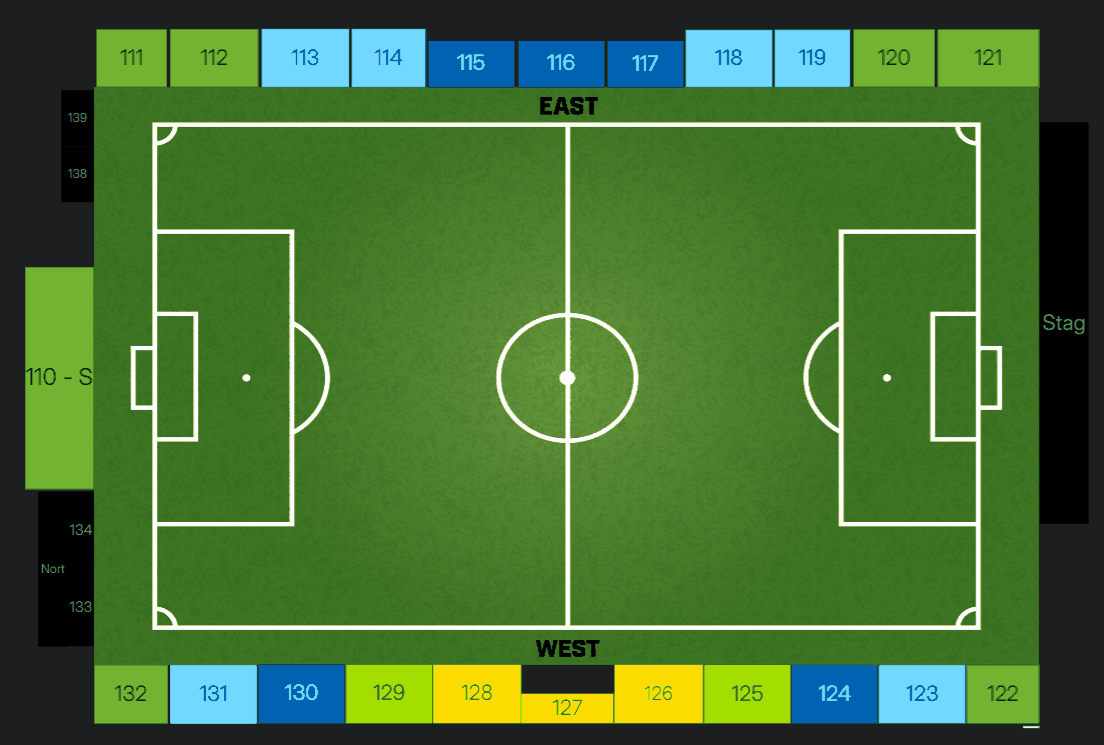
Sample seat map figure
Narrow, 5.2in. The caption sits below, centred, at body size in the quiet ink.
Sample seat map figure
Mid, 5.6in.
Sample seat map figure
Default, 6.3in. This is the width to reach for first.
Sample seat map figure
Wide, 7.0in. It fills the content column, so nothing else shares its row.

Three images that make one point share a row

Sample figure Sample figure Sample figure
One caption covers the row. Each image runs 1.62in tall and takes whatever width it needs.

The one figure that carries a hairline
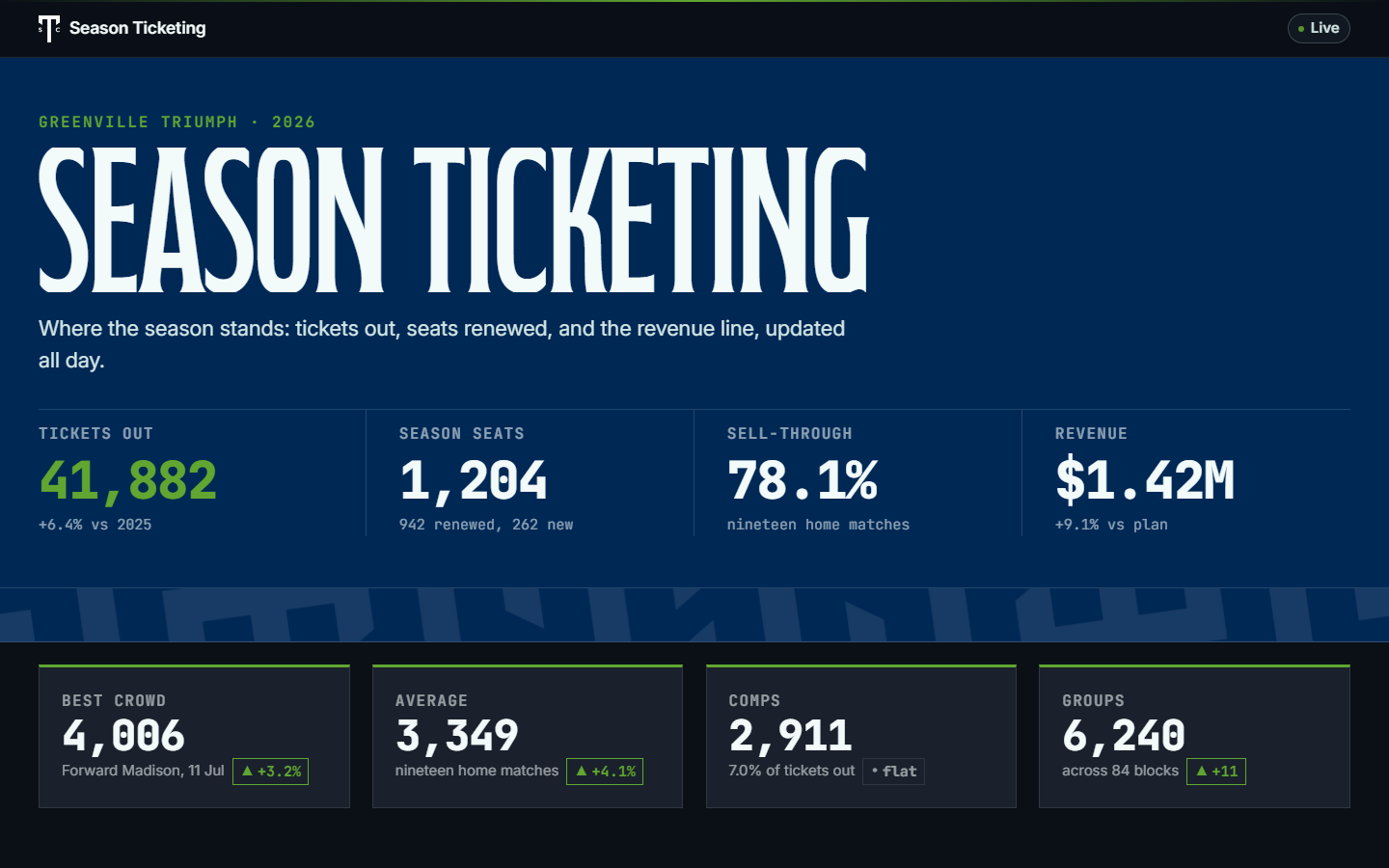
Sample dashboard screenshot

Screenshots only. A UI screenshot is white to its own edge and has no edge of its own, so it takes a 0.5pt hairline. An illustration, a render, a map, a chart, or a transparent PNG does not. The width and height custom properties are set inline from the source image, both or neither; the shot above is 1440 by 900 at 6.3in by 3.94in, which prints at about 228dpi.

Four widths, the figure row, and the screenshot exception. Captions 10.5pt quiet ink, centred, 6pt under the image. The seat map is 1104 by 745, so it holds above 190dpi through 5.6in and is shown at the wider two to compare the widths.